 Screenshot · video to come
Launch & control
Launch a workflow.
One tile starts the whole setup.
Explore this workflow →

A multi-use control platform for your computer
One launcher for your apps, media, dashboards, and smart home — on your computer or a touchscreen. No hardware required to start.
Start with software. Add hardware if you want to.
A solid foundation for hands-on control.
See it in action
A few ways to make Bedrock Panel part of your day.
Screenshot · video to comeLaunch & control
One tile starts the whole setup.
Explore this workflow →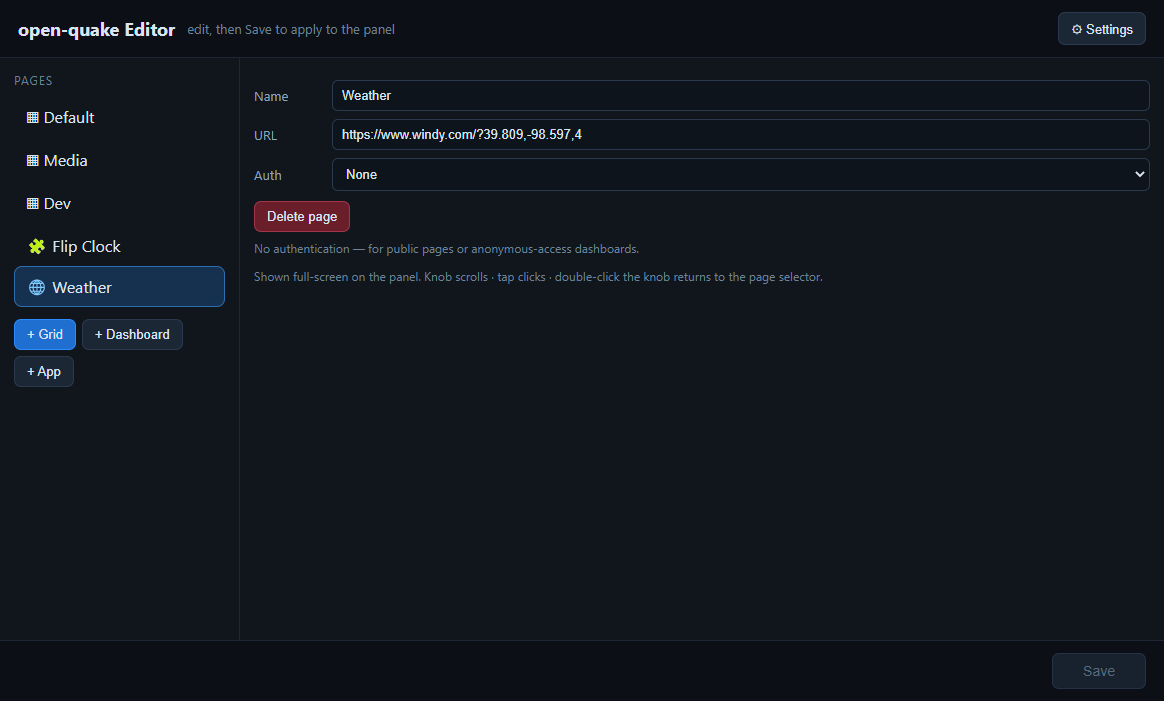 Screenshot · video to come
Dashboards & smart home
Dashboards and Home Assistant at your fingertips.
Explore home control →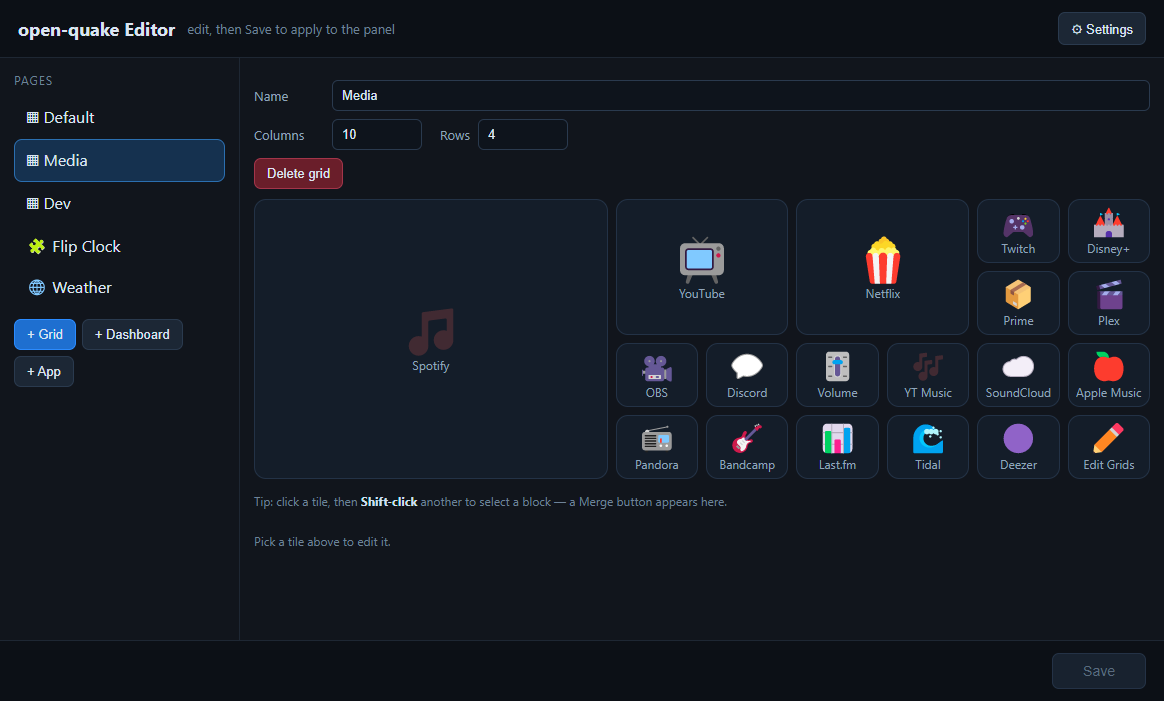 Screenshot · video to come
Everyday apps
Music, meetings, and everyday apps from one surface.
Explore everyday apps →One platform, many possibilities
Start with a simple page. Shape it around your work, your home, and whatever comes next.
01 / LAUNCH & CONTROL
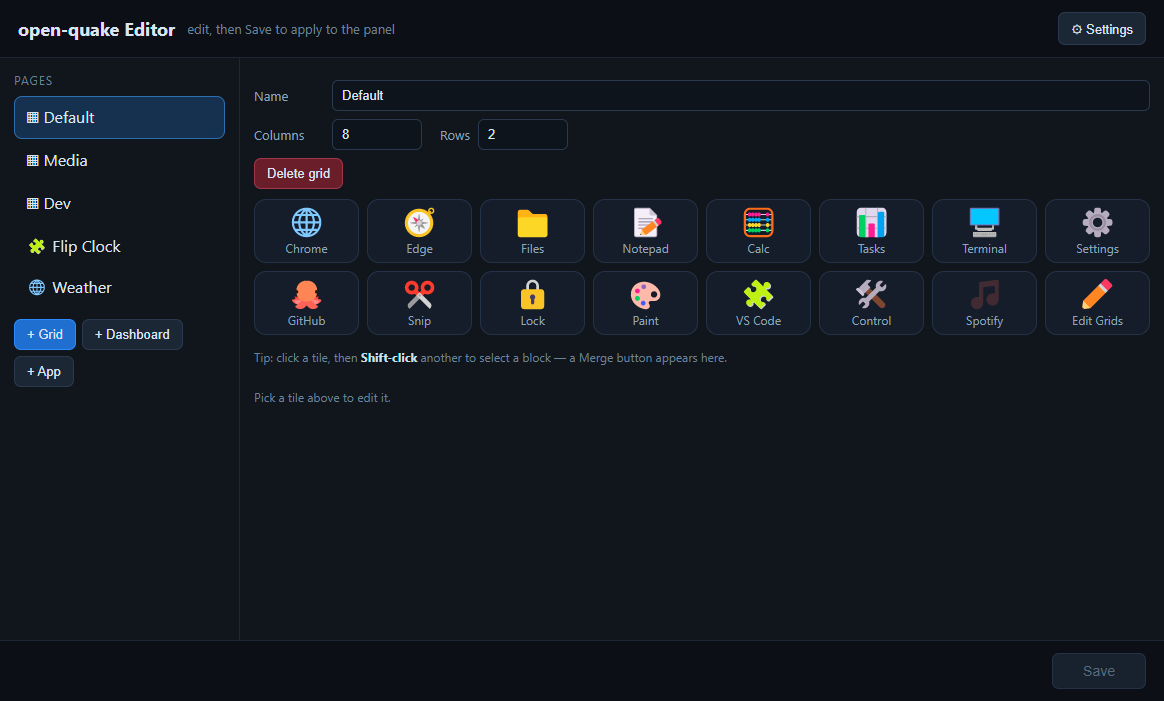
A multi-grid launcher puts every app, shortcut, and desktop action one tap away. Move between focused pages as your day changes; add the optional Bedrock knob for scroll, launch, and an RGB ring.
02 / DASHBOARDS & SMART HOME
Give Home Assistant and web dashboards a page of their own. Keep useful information visible and familiar controls nearby.
03 / EVERYDAY APPS
Make room for music, clocks, and system information, plus tools for meetings and voice. Choose the apps that fit how you work.
04 / CUSTOMIZE & EXTEND
Change the look, arrange your pages, and explore community apps and wallpapers. Want to build the hardware too? The Bedrock Console is a complete DIY build — open-sourced for you to make your own.
Your setup, your choice
Run Bedrock Panel as software on your computer. No dedicated touchscreen required.
Get the software →Make a compatible display a dedicated home for your controls, dashboards, and apps.
Check display setup →Build a Bedrock Console with off-the-shelf parts, a printed enclosure, and an optional rotary knob.
Explore the DIY project ↗Add a compatible knob for hands-on control. Display requirements, supported devices, and run modes are covered in the hardware guides.
Choose the package that fits your setup.
Start on your desktop or set up a compatible touchscreen.
Add the apps, actions, or dashboard you use most.
Better when we build together
Get help, show what you’ve made, and help shape what comes next.
A few good questions
Yes. Software mode runs in a desktop window on your computer with no dedicated hardware. A touchscreen or knob adds the hands-on layer when you want it.
Bedrock Panel runs on Windows and macOS, with a Linux build in public beta. See the download page for current requirements.
The core launcher works offline. Some apps — AI voice, translation, meeting transcription, and web dashboards — need their own network access.
Yes — it’s open source. Everything is MIT-licensed except the QUAKE/ARIS-68 driver, which is PolyForm Noncommercial. External services may have their own costs.
Start with the documentation, or bring your question to Discord — the community and maintainers are there.